
Diagramming
Four capabilities. One sales-ready event tool.
The features behind Visiting Media Diagramming — built so a sales coordinator, a meeting planner, or a venue owner can produce a credible 3D layout in their first session.
01 · Diagramming
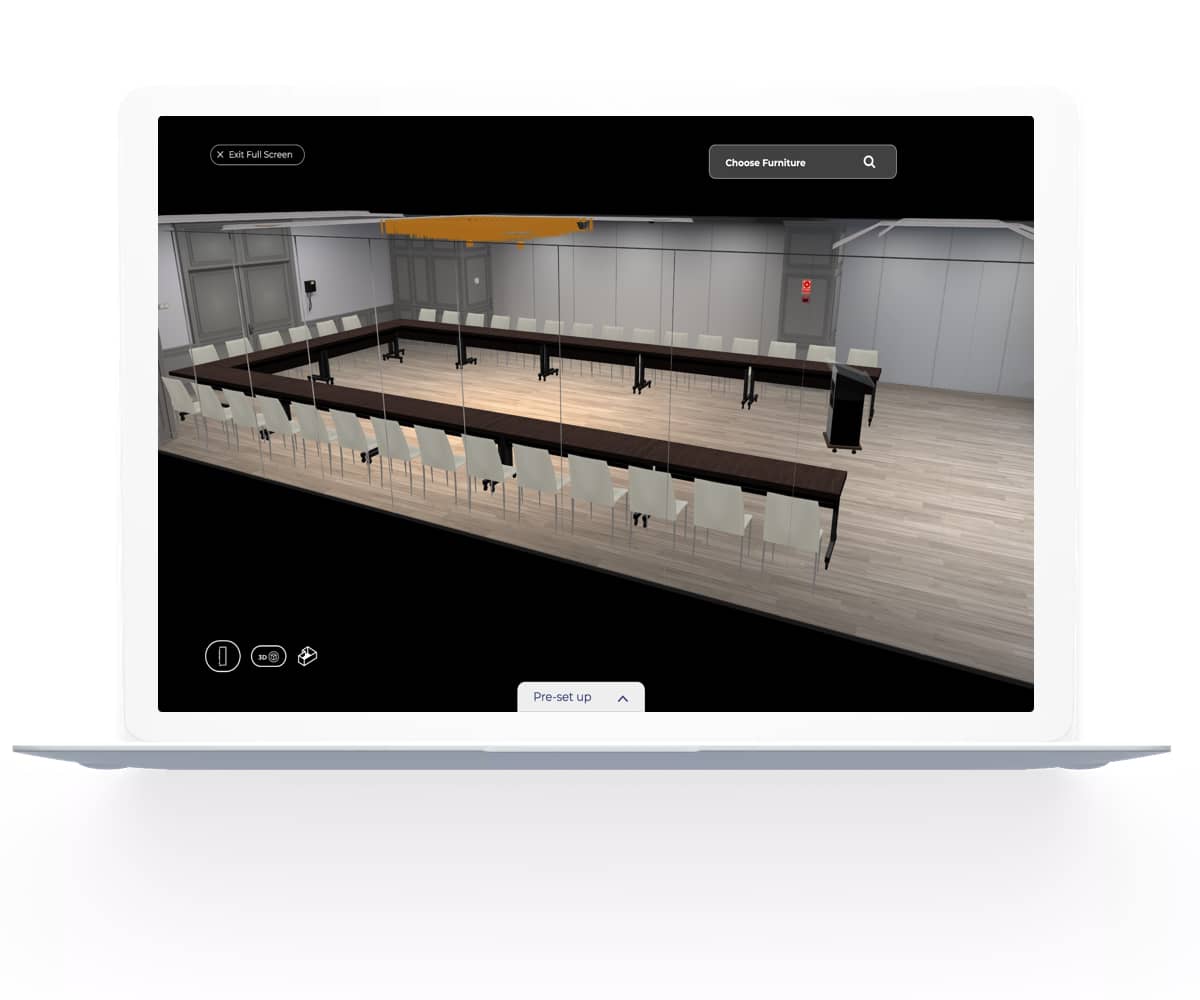
2D and 3D, side by side, real-time.
Drag a table, move a stage, change the room shape — the 3D rendering follows your edit instantly. No render queue, no waiting, no separate "preview" mode.
- Realistic 3D rendering of every venue, configurable in minutes
- Top-down 2D view available simultaneously for measurement and notation
- Snap-to-grid for symmetric layouts; freeform placement when you need it
- Materials and lighting tuned to look like the real venue, not a generic placeholder
02 · Live capacity & spacing
Capacity that adapts to every setup.
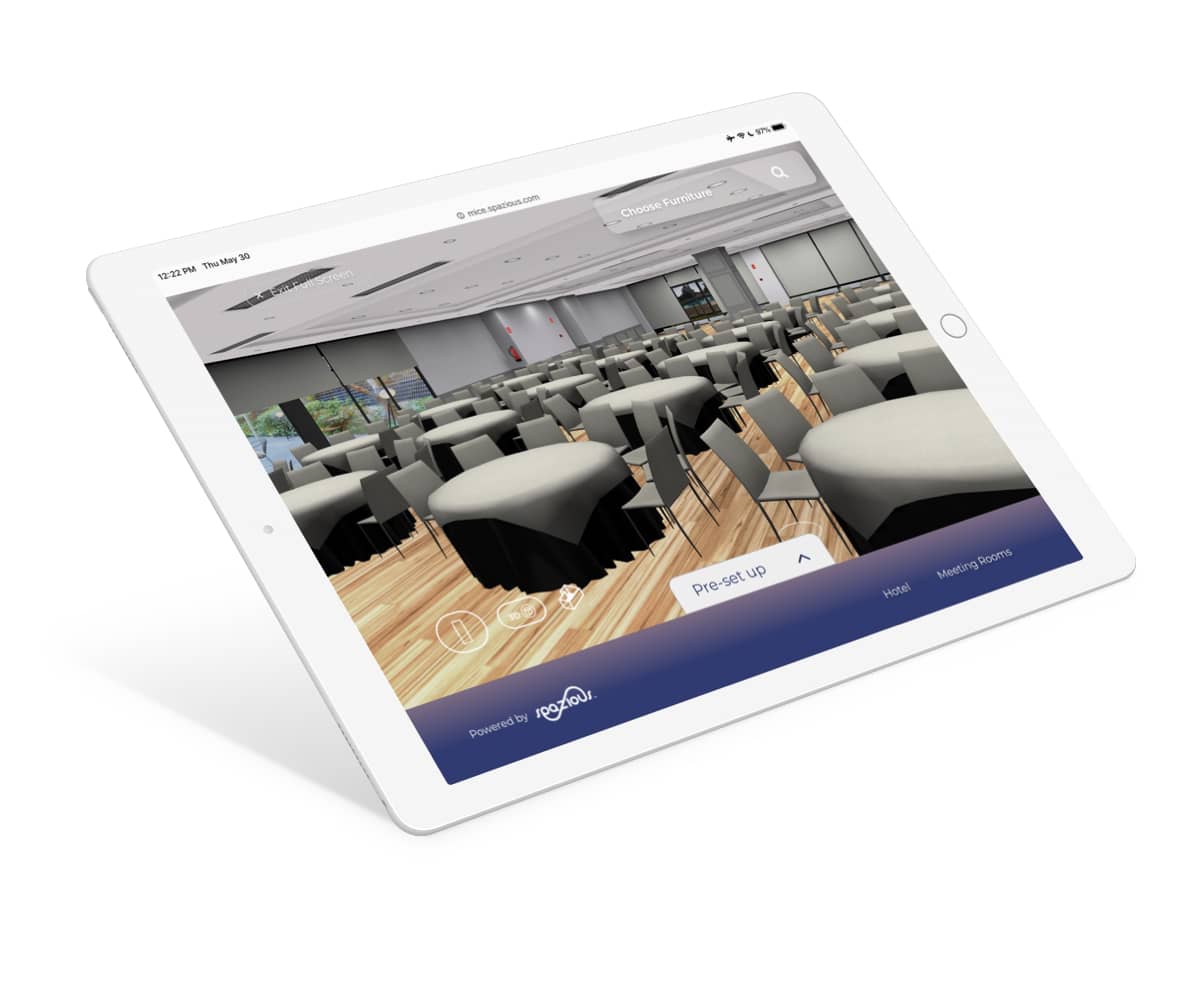
Configure seating styles, aisle widths, and table spacing per event. The diagram recalculates capacity in real time — every chair, every aisle, and every table-to-table gap respects the layout rules you defined.
- Configurable table spacing and aisle clearance (in feet or meters) per event
- Capacity number updates live as you adjust the room configuration
- Visual indicators highlight any layout violating spacing or clearance rules
- Built for fire-code compliance, ADA accessibility, and event-specific seating standards
03 · Communication
One diagram. Everyone sees the same thing.
No more email chains describing what the planner imagined and what the hotel team thinks they heard. Both sides look at the same shared 3D layout. Misunderstandings end before they become problems on event day.
- Shared 3D view replaces ambiguous text descriptions and static floor plans
- Hotel sales teams confirm setups before the planner books, not after
- Reduces rework, change-order disputes, and event-day surprises
- Pairs naturally with TrueTour: planners walk the venue AND see the layout
04 · Sharing
One click. One link. Any device.
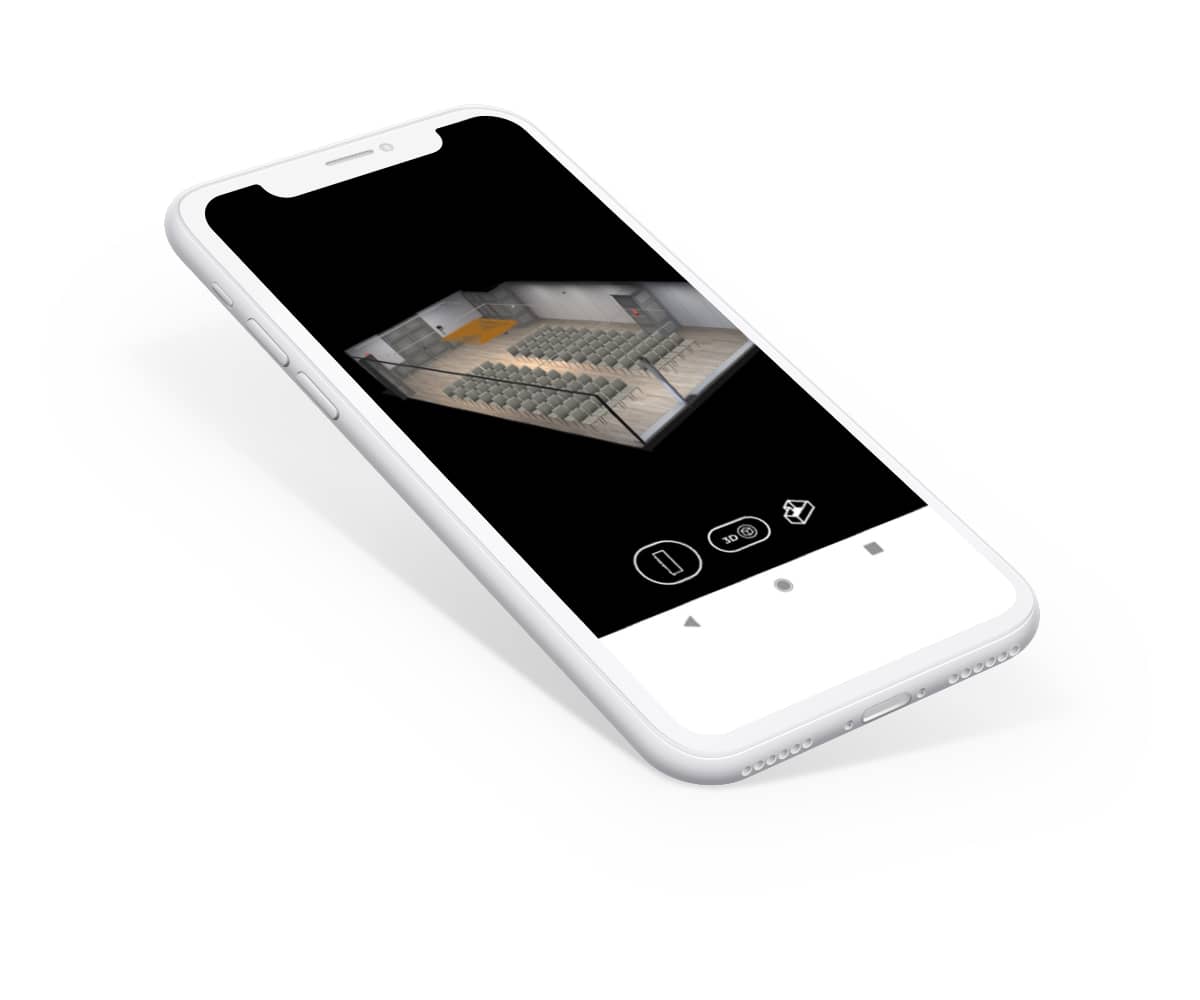
Send a single URL. The recipient explores the 3D layout in their browser — no app to install, no software to download, no rendering wait. Sales reps share with planners. Planners share with stakeholders. Stakeholders share with the venue.
- Shareable URLs render in any modern browser, mobile or desktop
- No login required for recipients viewing a shared layout
- Easy to drop into emails, RFP responses, proposals, or Visiting Media Platform bundles
- Permissions optional — set view-only or allow comments and counter-proposals
Experience the future of hospitality sales.
Schedule a personalized demo to see how our AI-powered platform can accelerate your revenue.